ALTERSTEILZEIT

Your countdownto freedom.

Altersteilzeit · Daily view, film & game

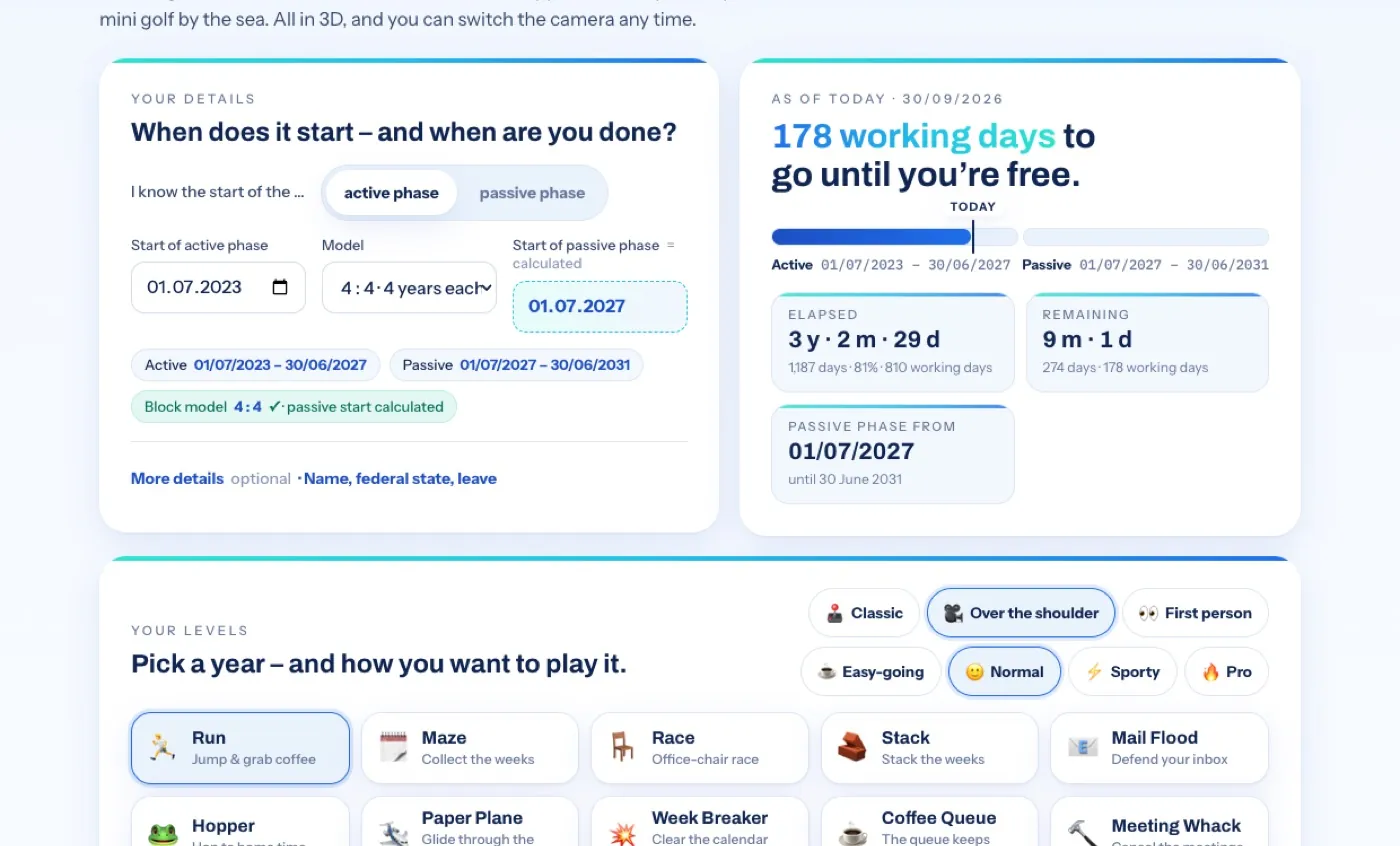
Enter when your active or passive phase starts – we’ll work out the rest: how far you’ve come, how many working days are left and when your alarm clock gets to retire. At a glance every day, as a short film or as a 3D game where every year is a level.

  1. Enter one date

    The start of your active or your passive phase – the model works out the other.

  2. Pick your model

    Block model 1 : 1 to 5 : 5. Name, federal state and leave are optional.

  3. Off you go

    Open the daily view, roll the film – or pick a year and start playing.

Three ways, one goal.

All three use the same details: enter them once, and the daily view, film and game share them – in the same browser, no account needed.

The daily view · one glance a day

Are we there yet?

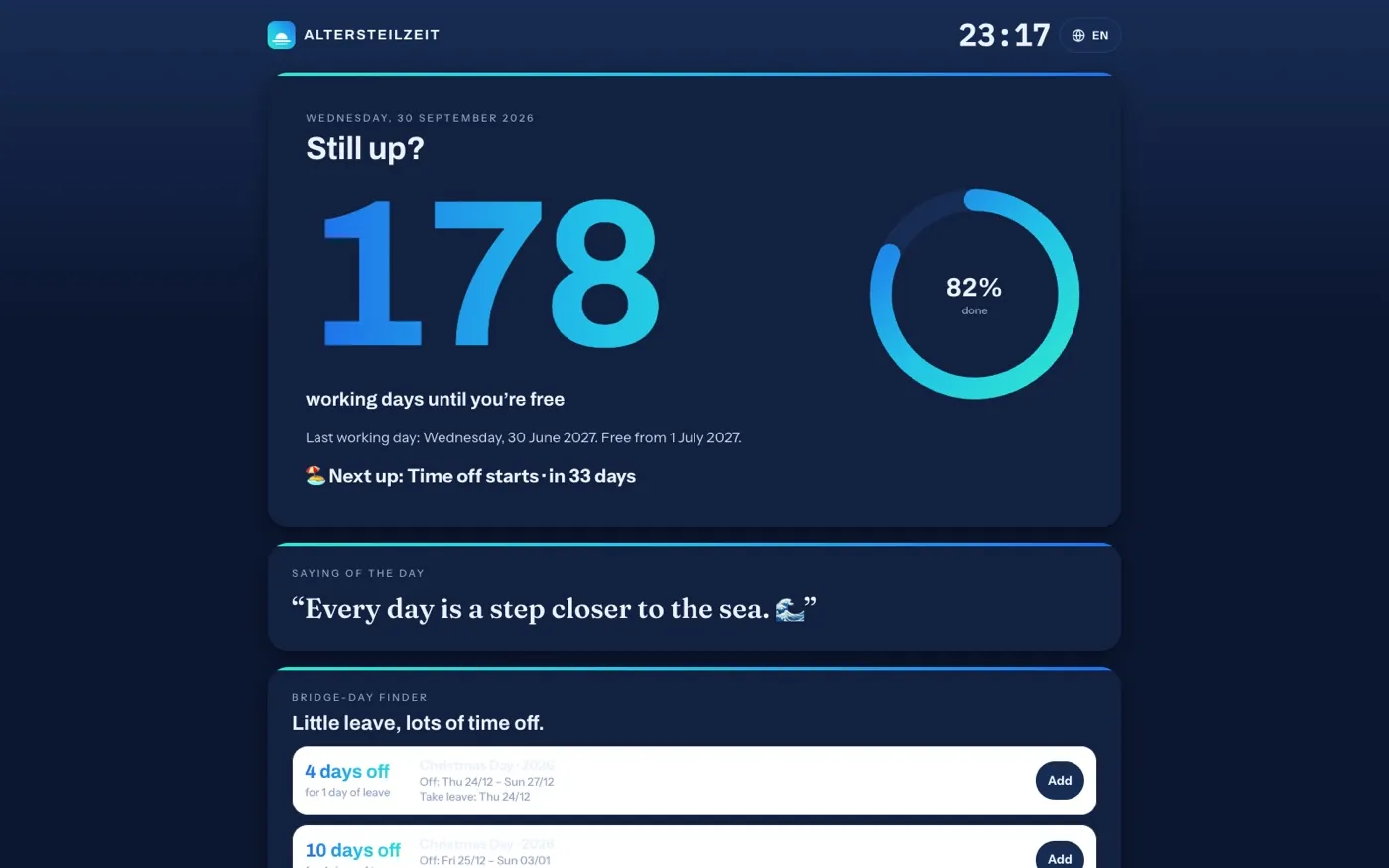
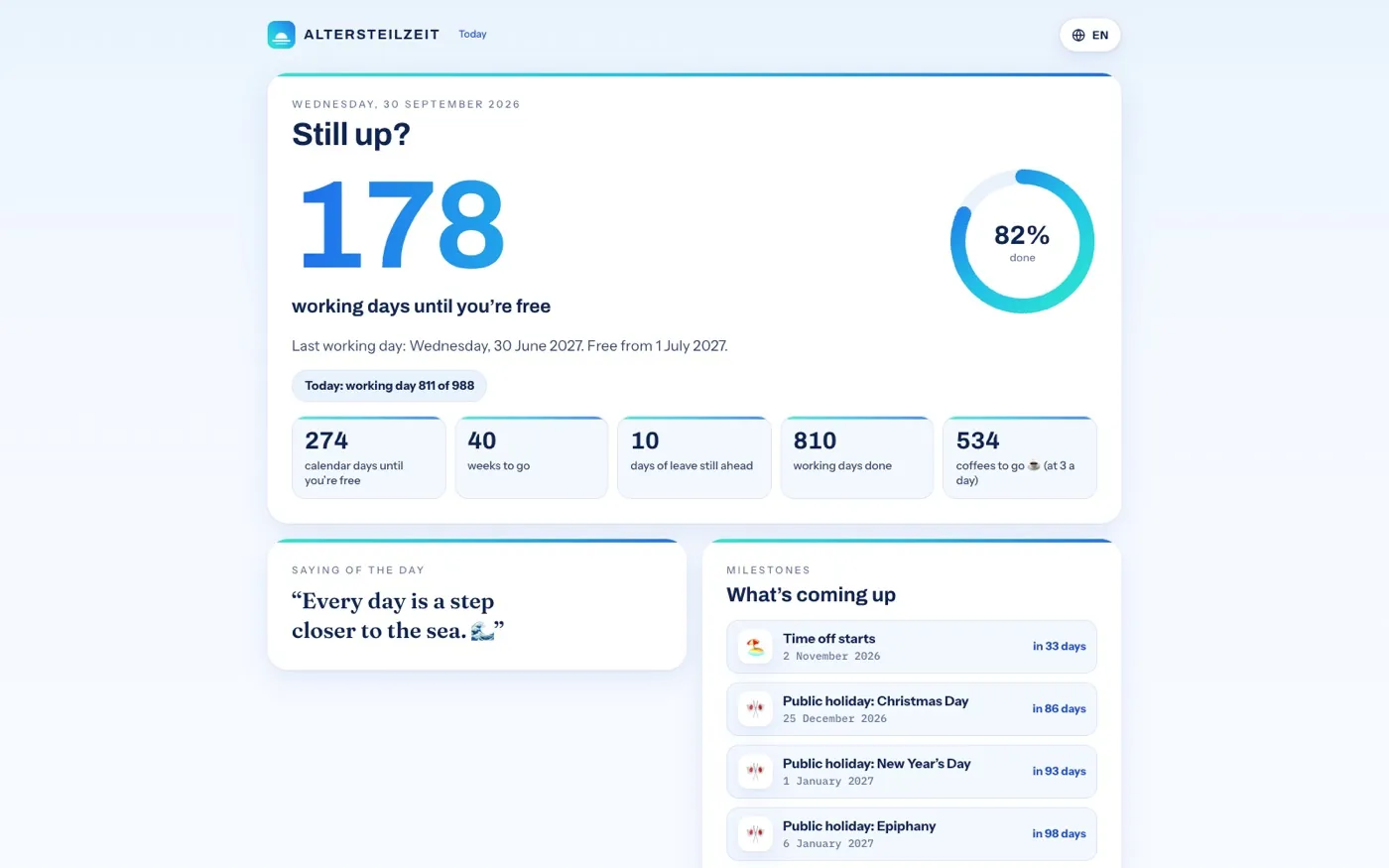
The big number for every morning: X working days to go, your progress, the saying of the day and the next milestones. Plus the bridge-day finder, your freedom wish list and a year in review to share. As an always-on display, it stays up on a tablet or monitor.
Light and fast · also as an icon on your phone

The film · about a minute

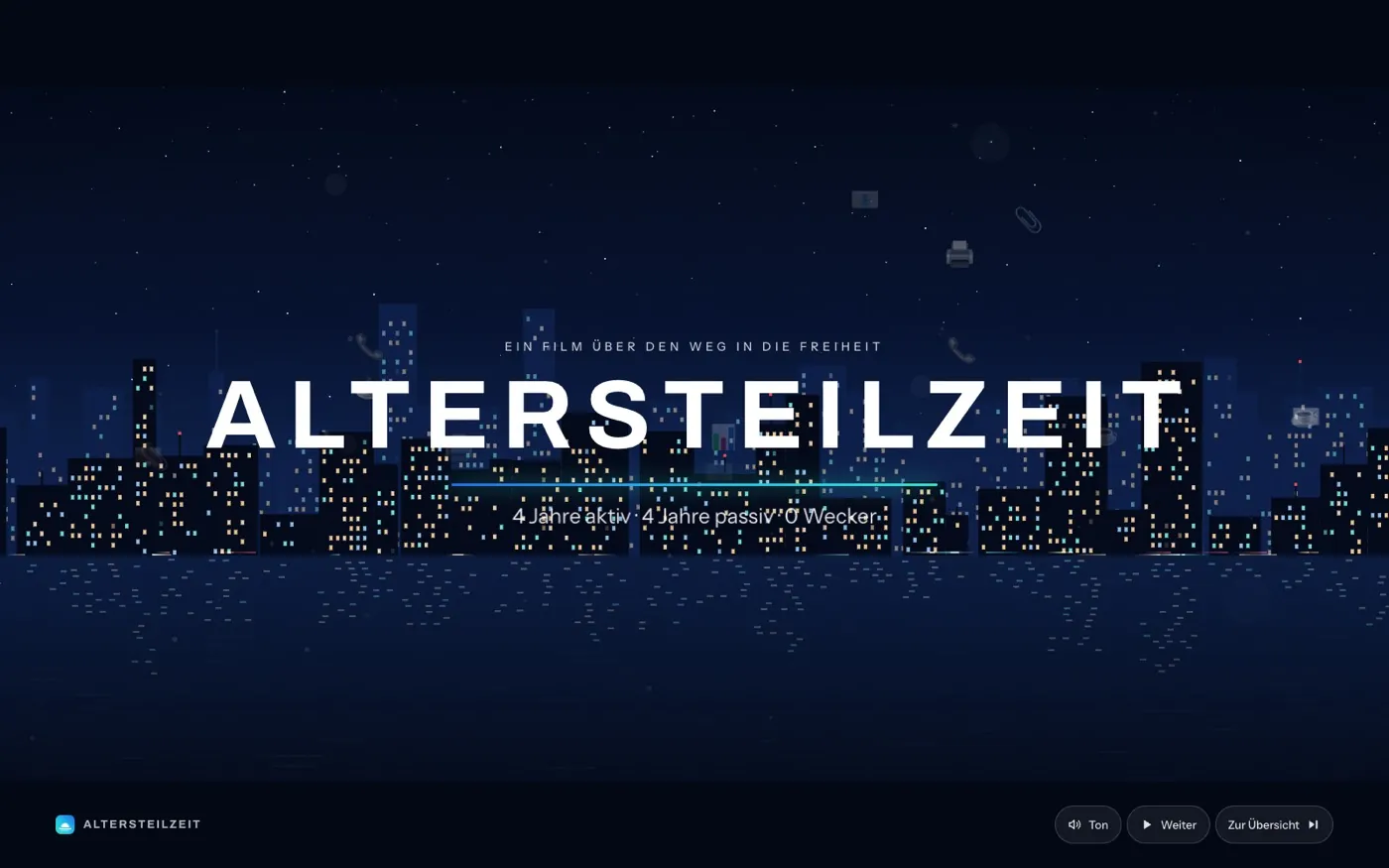
Your countdown on the big screen.

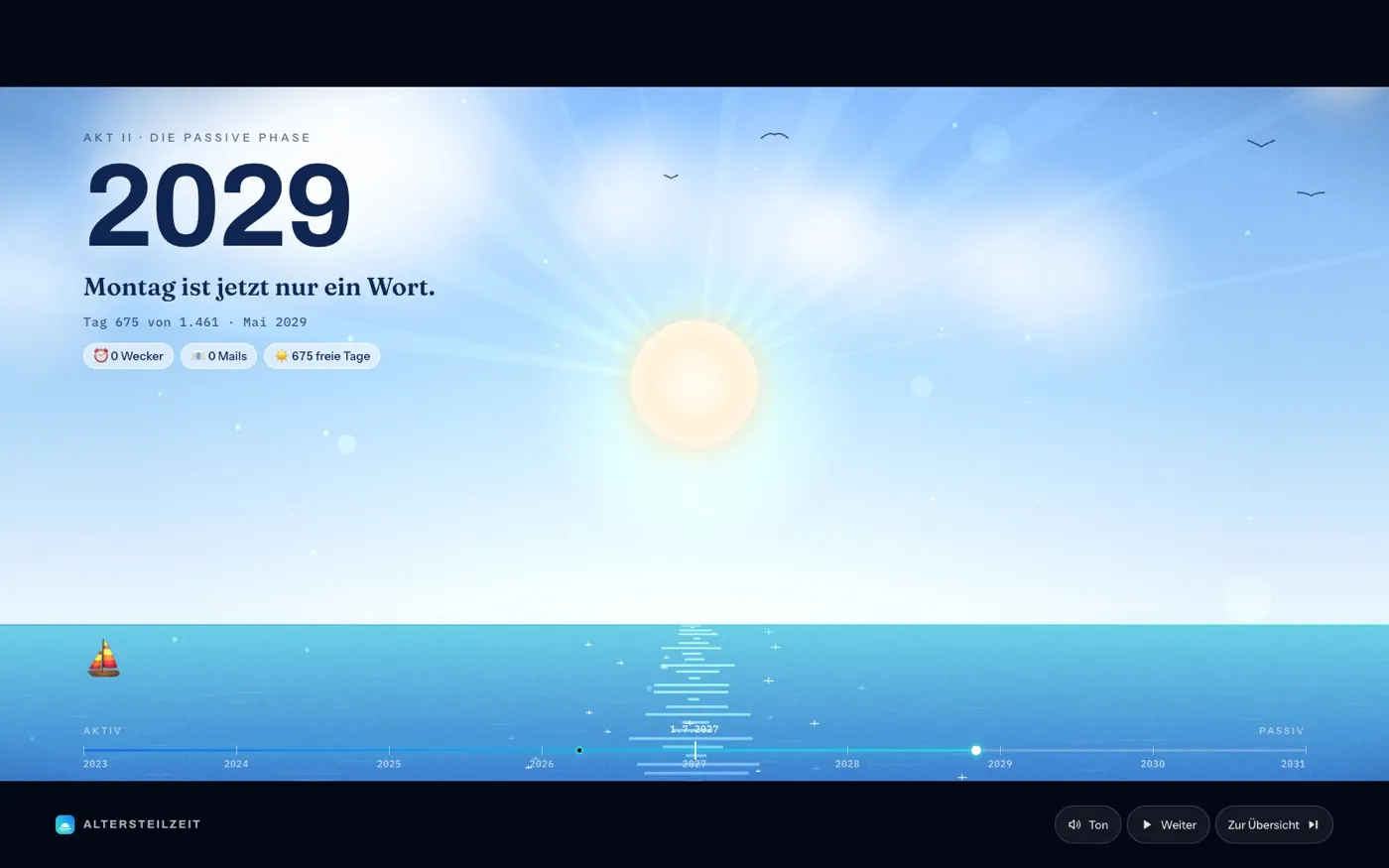
An animated journey through every year of your active phase – with a coffee counter, your leave, the working days left and a sunrise at the end.

With a narrator in 7 languages and 5 dialects · phone, tablet and computer

The game · one level per year

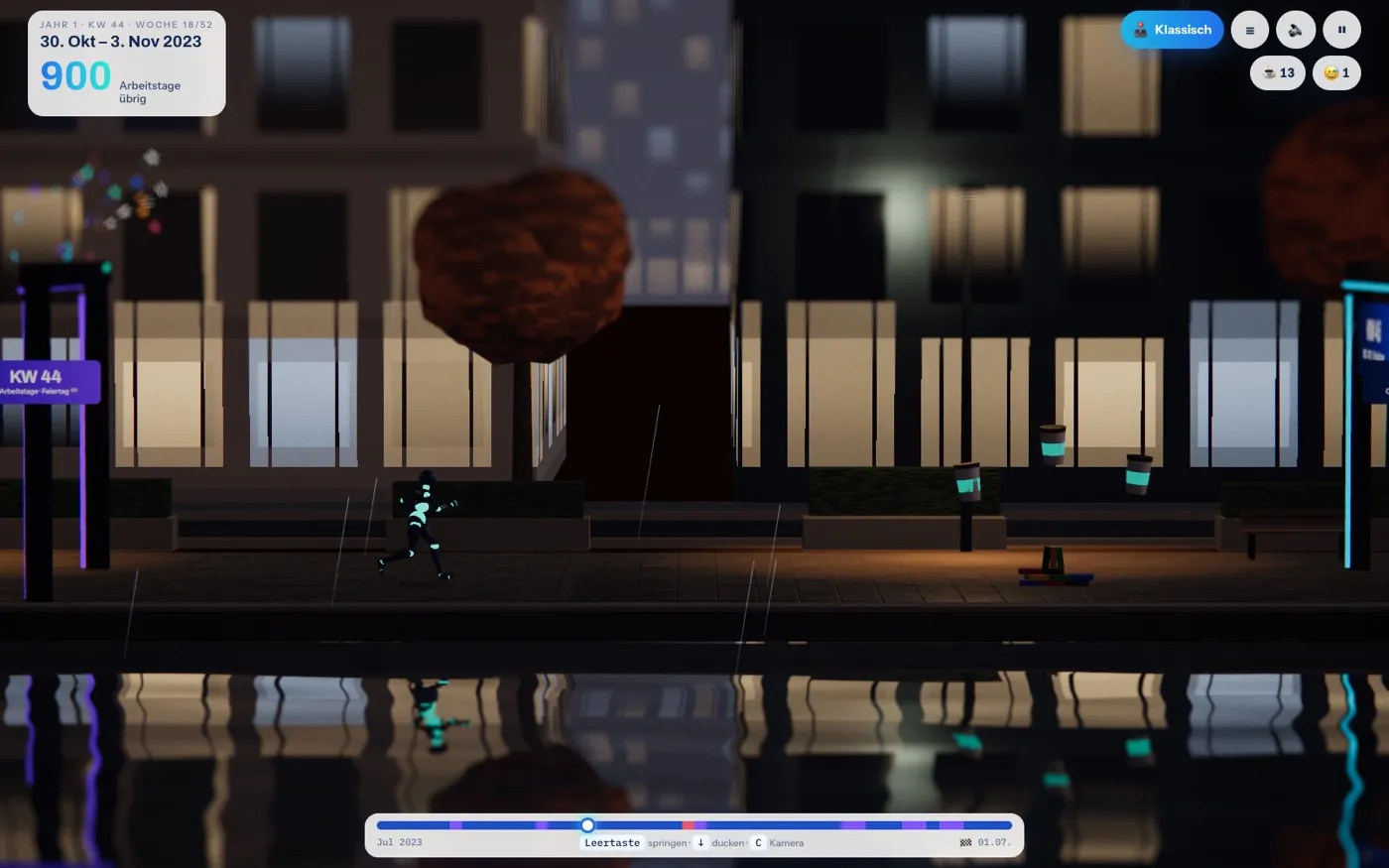
Run your way to freedom.

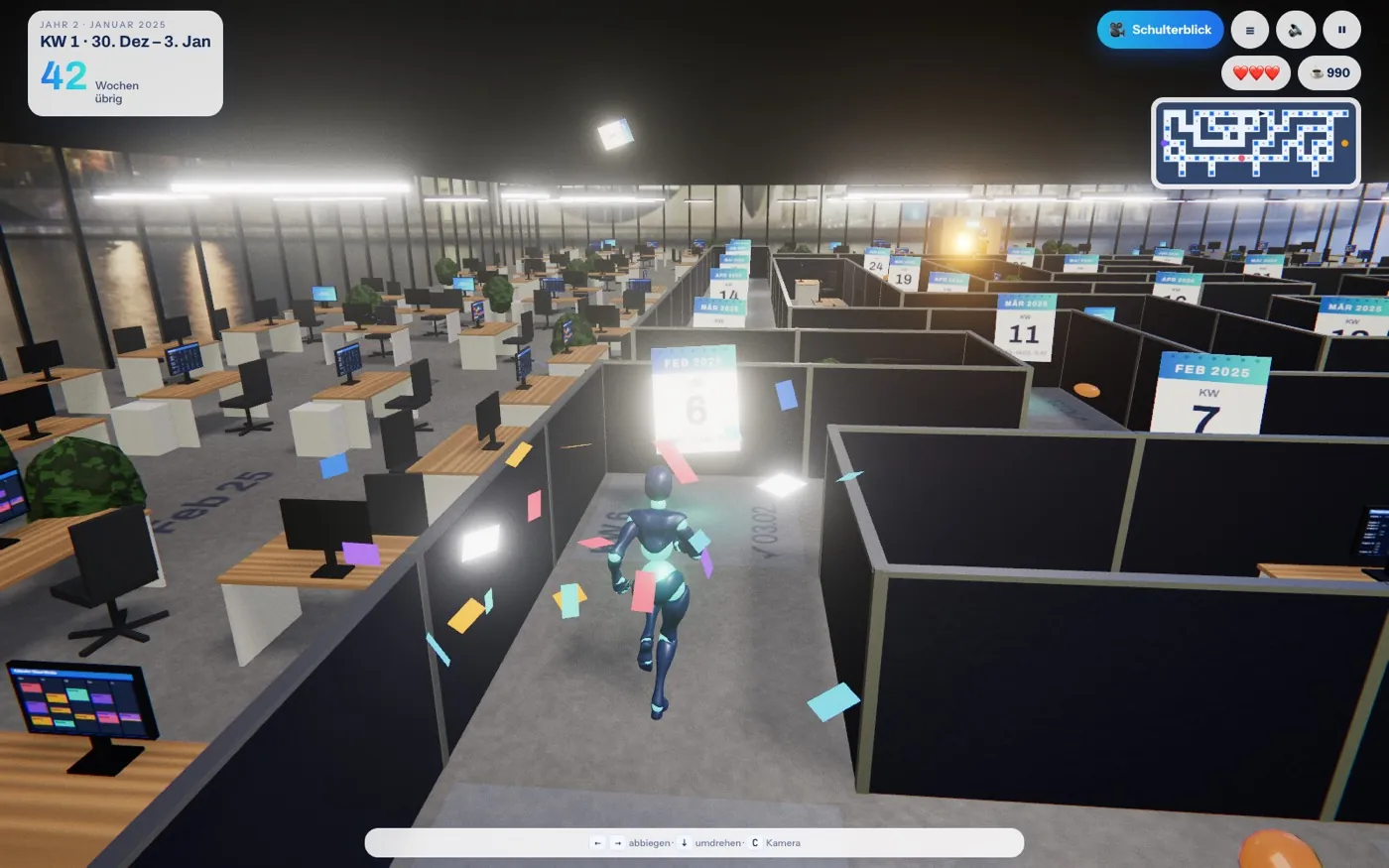
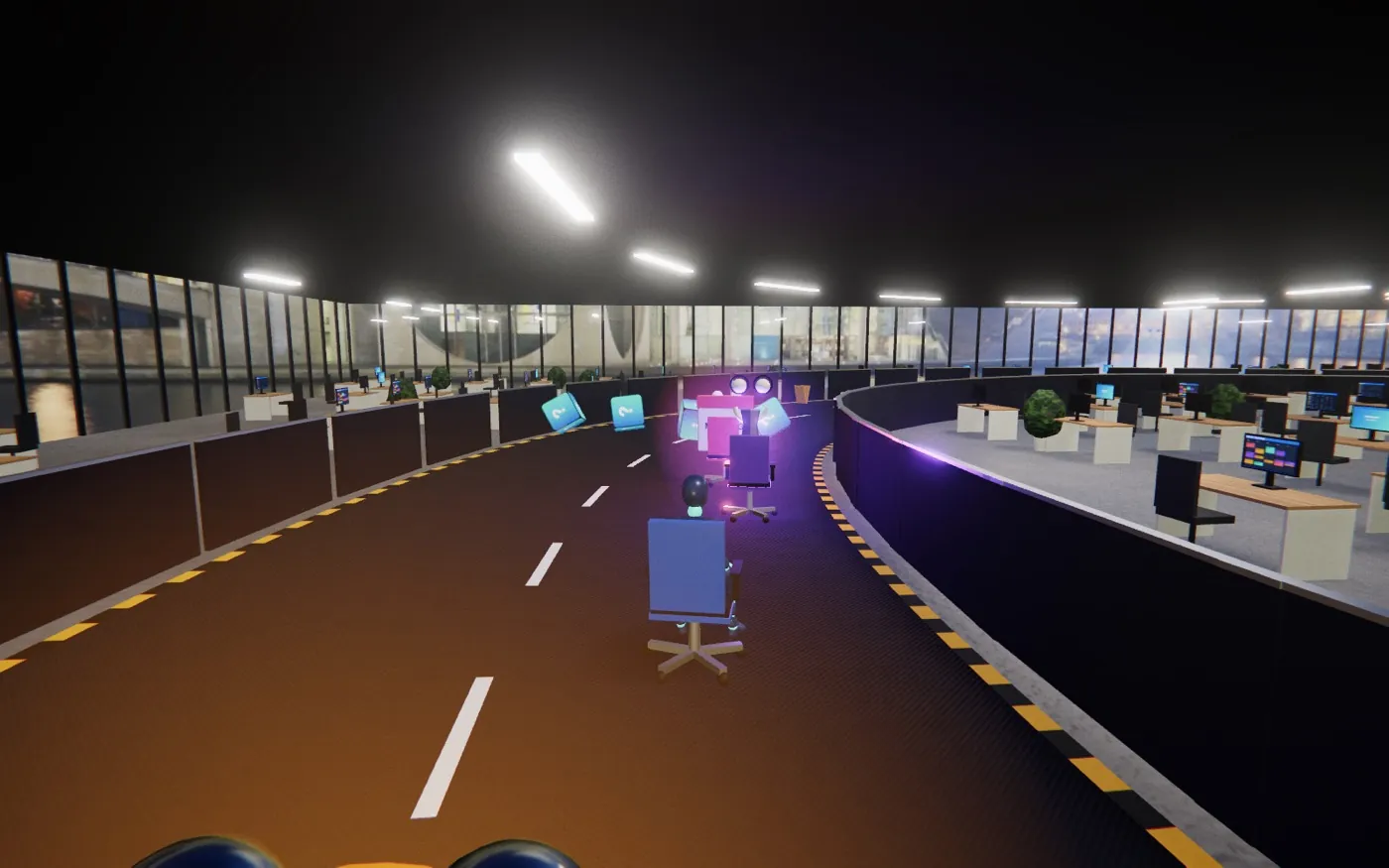
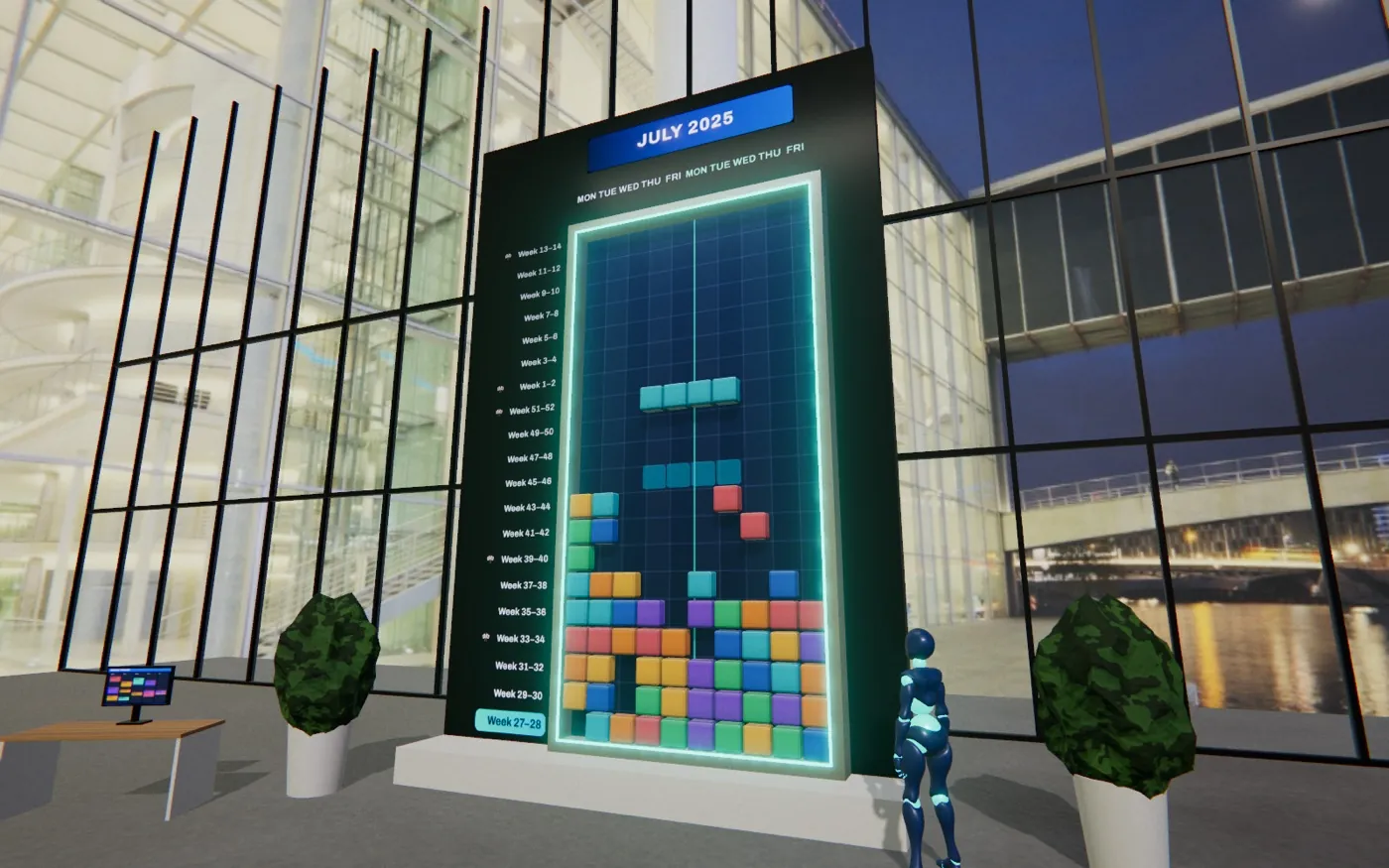
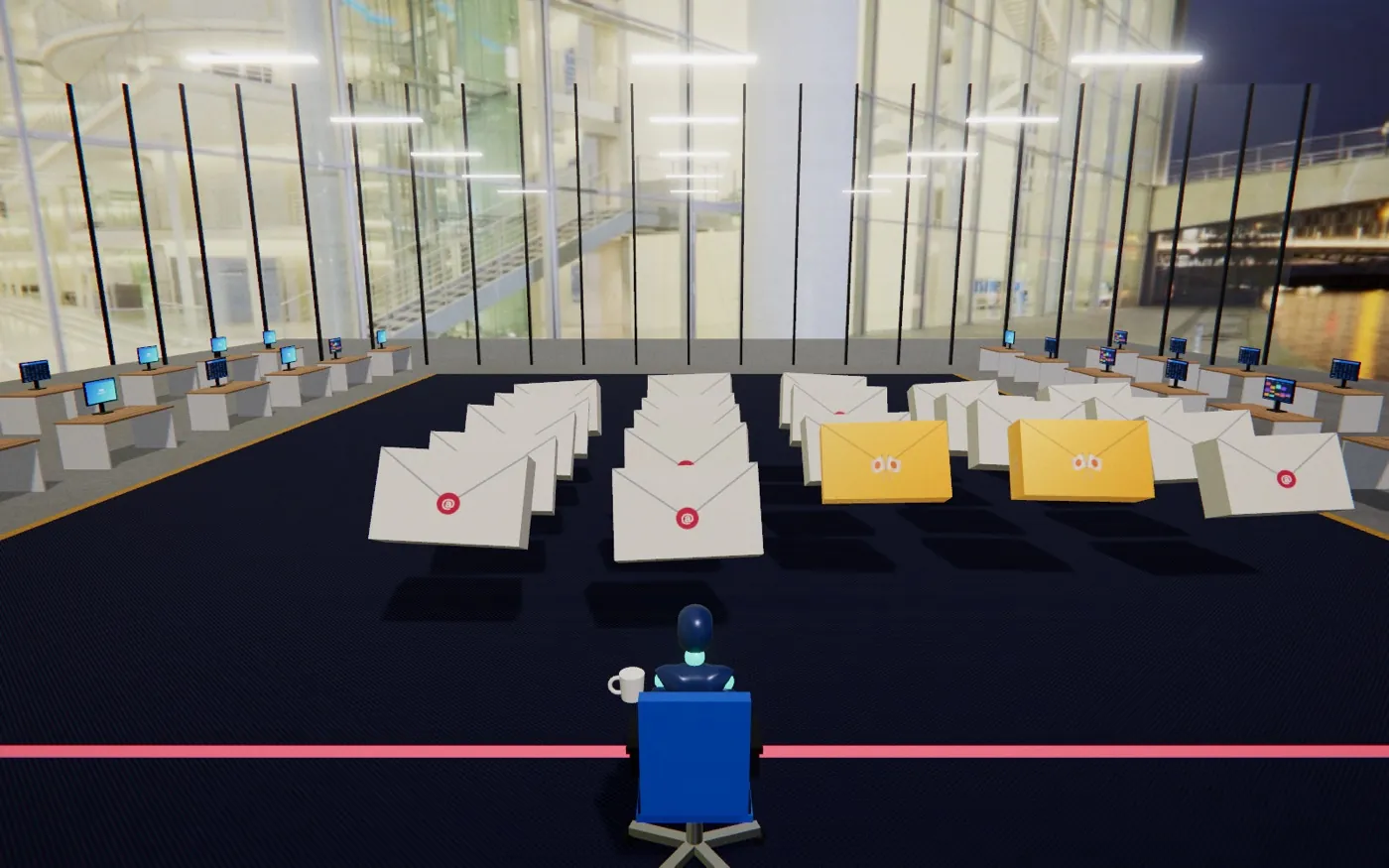
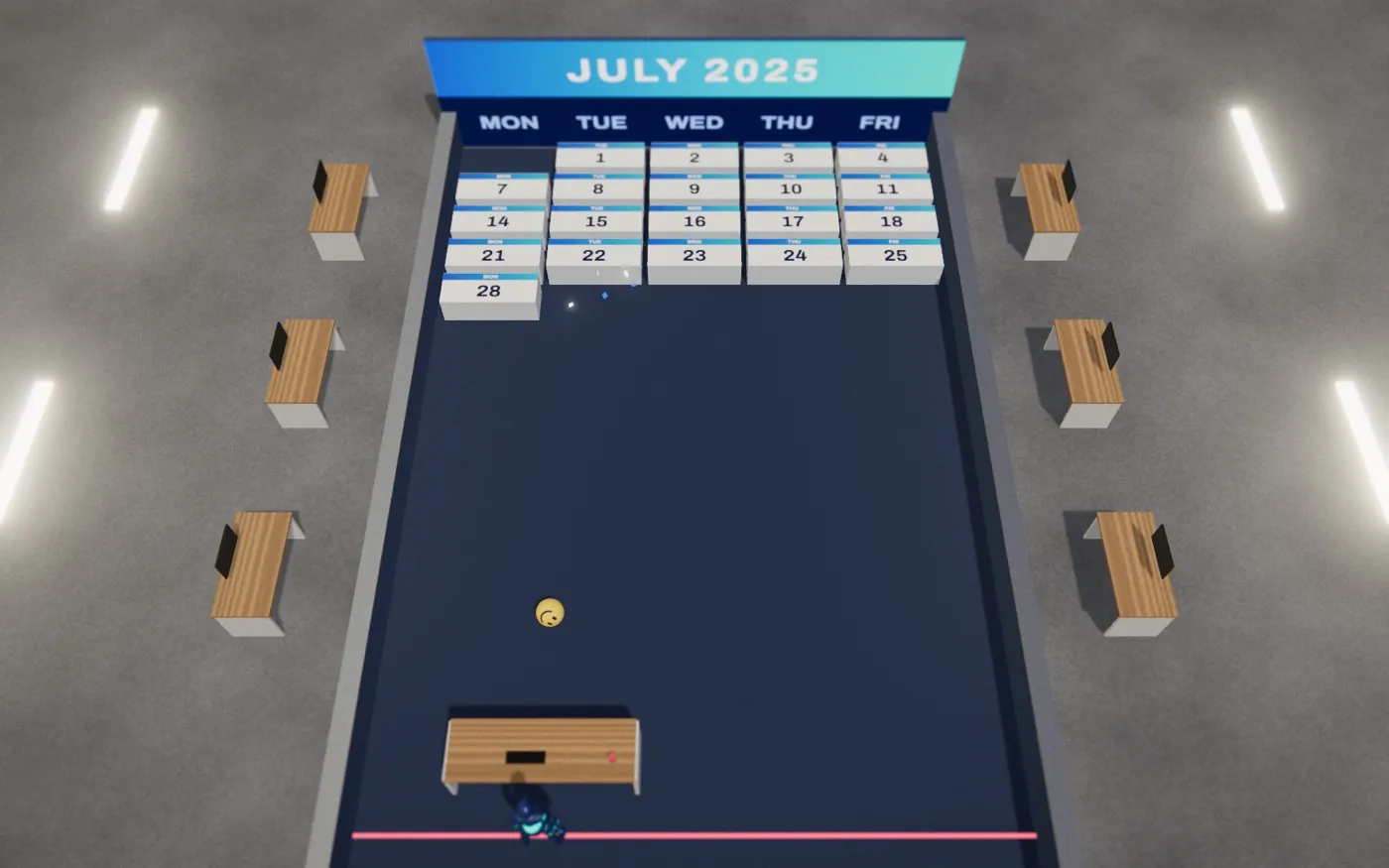
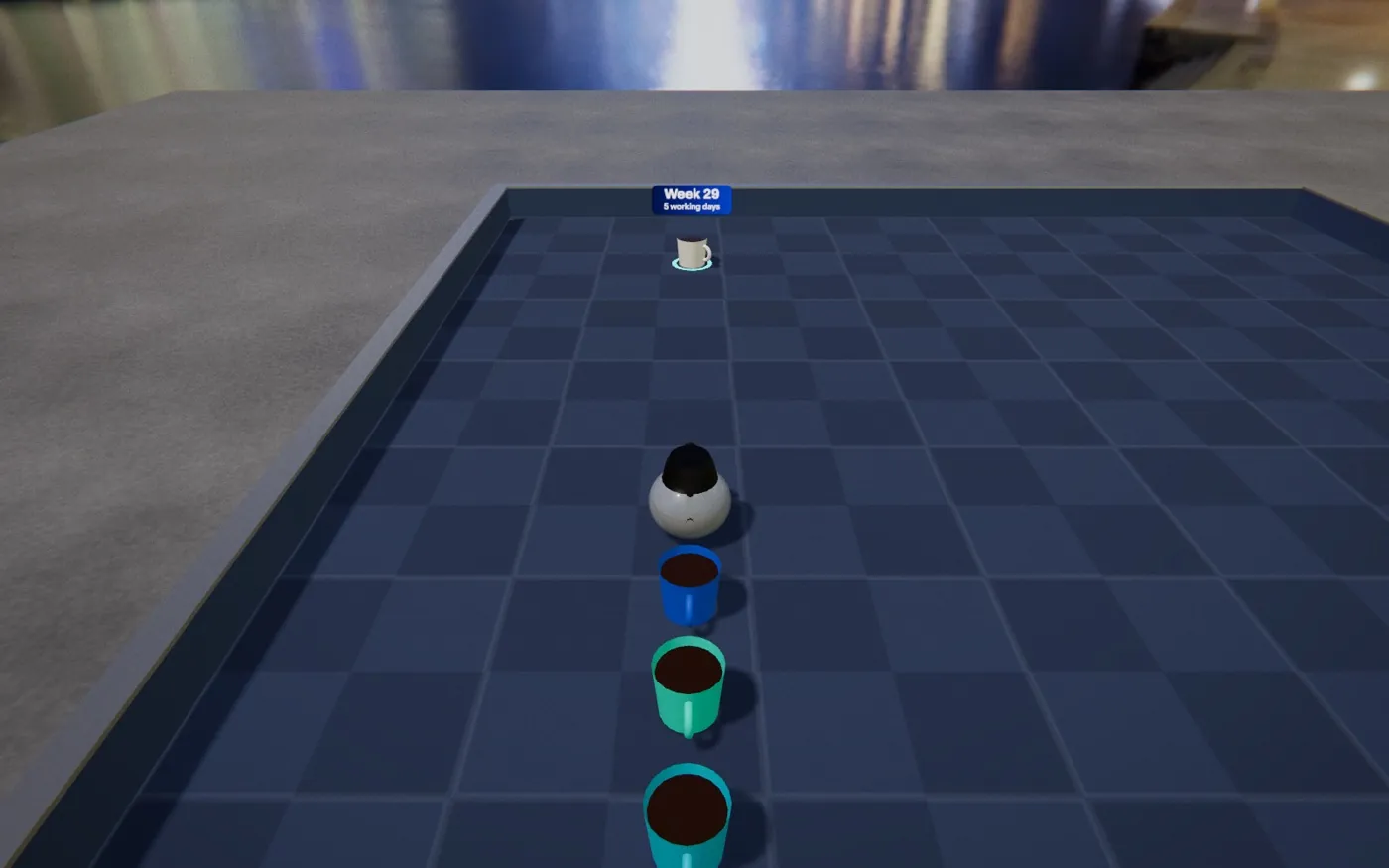
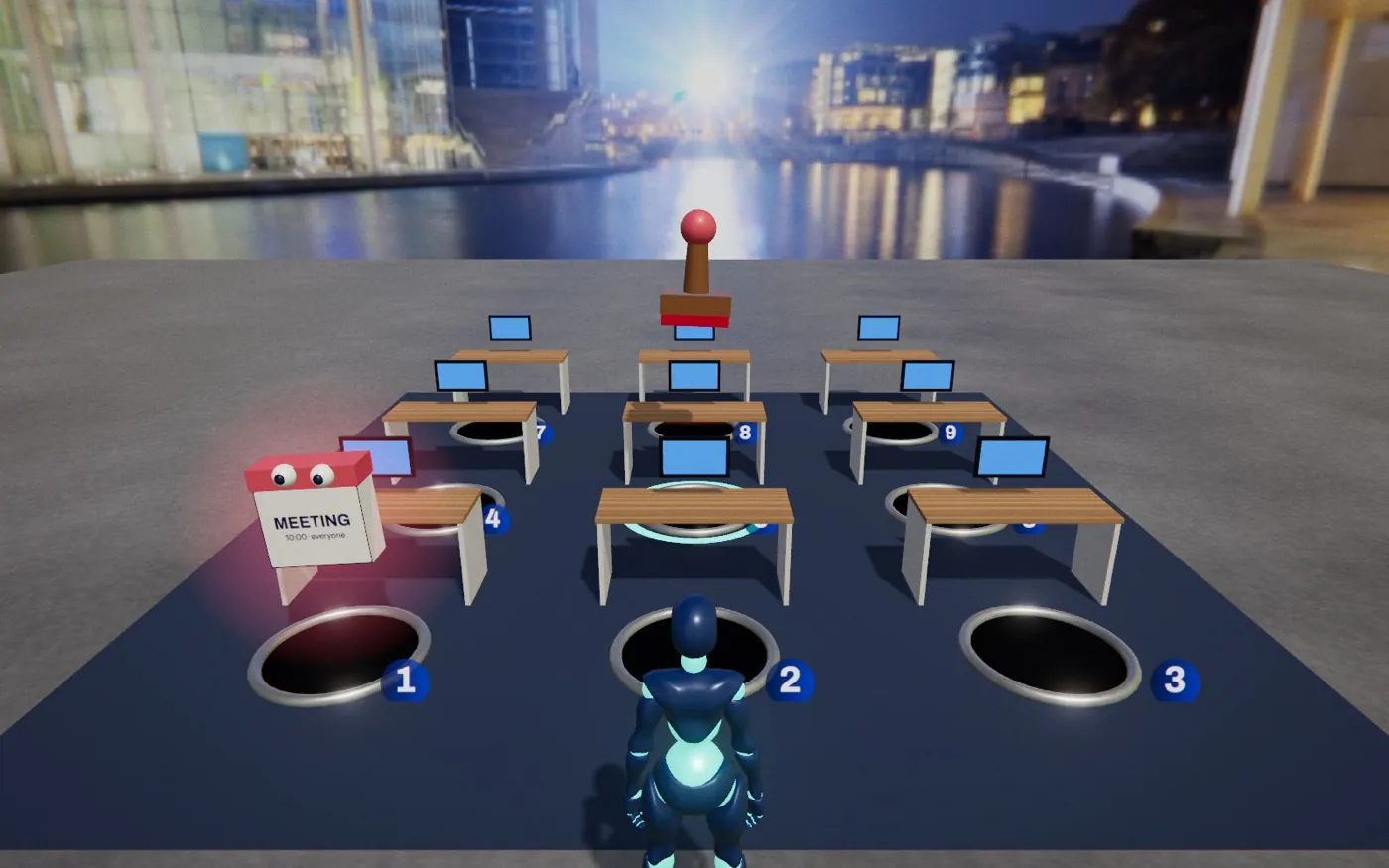
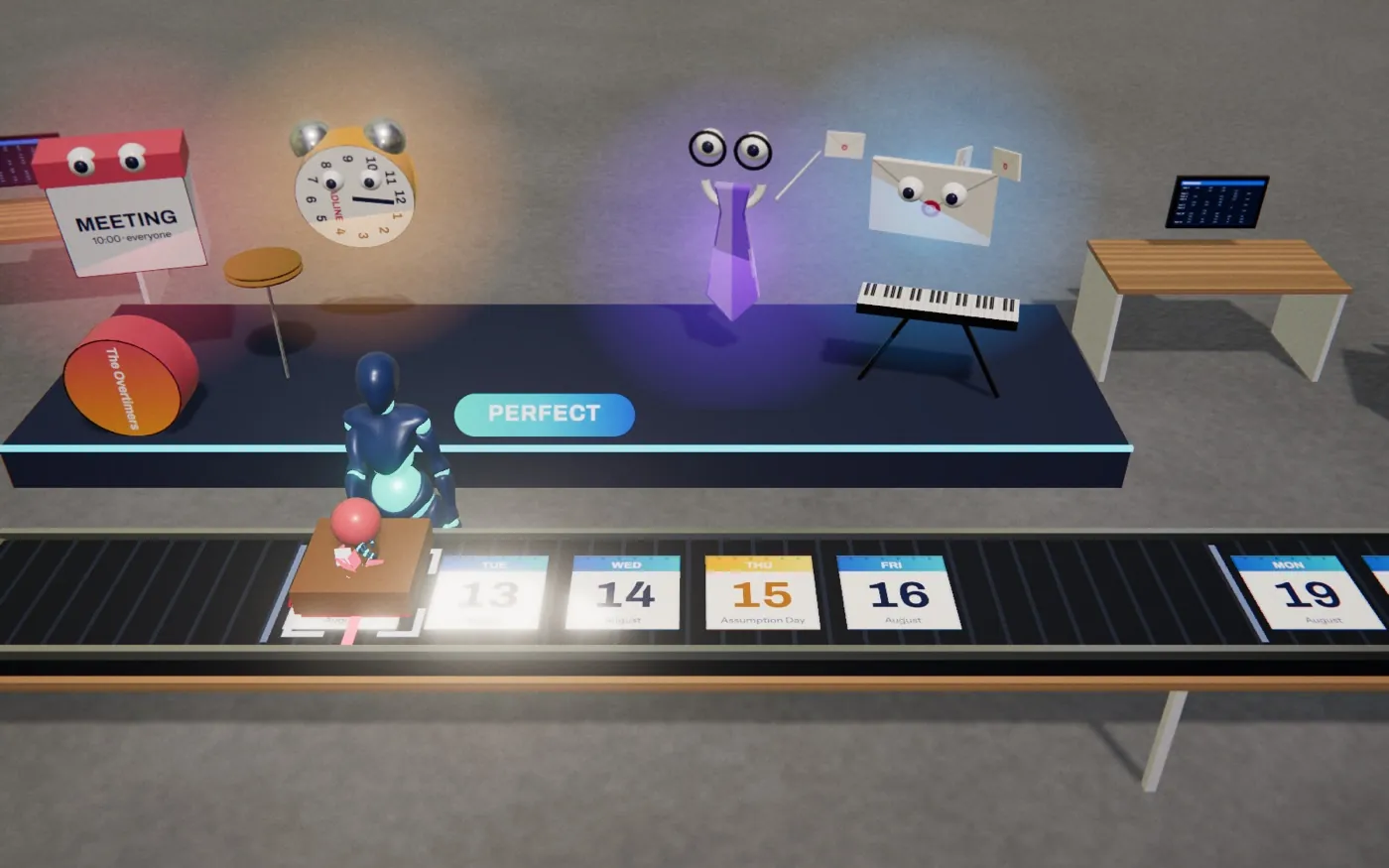
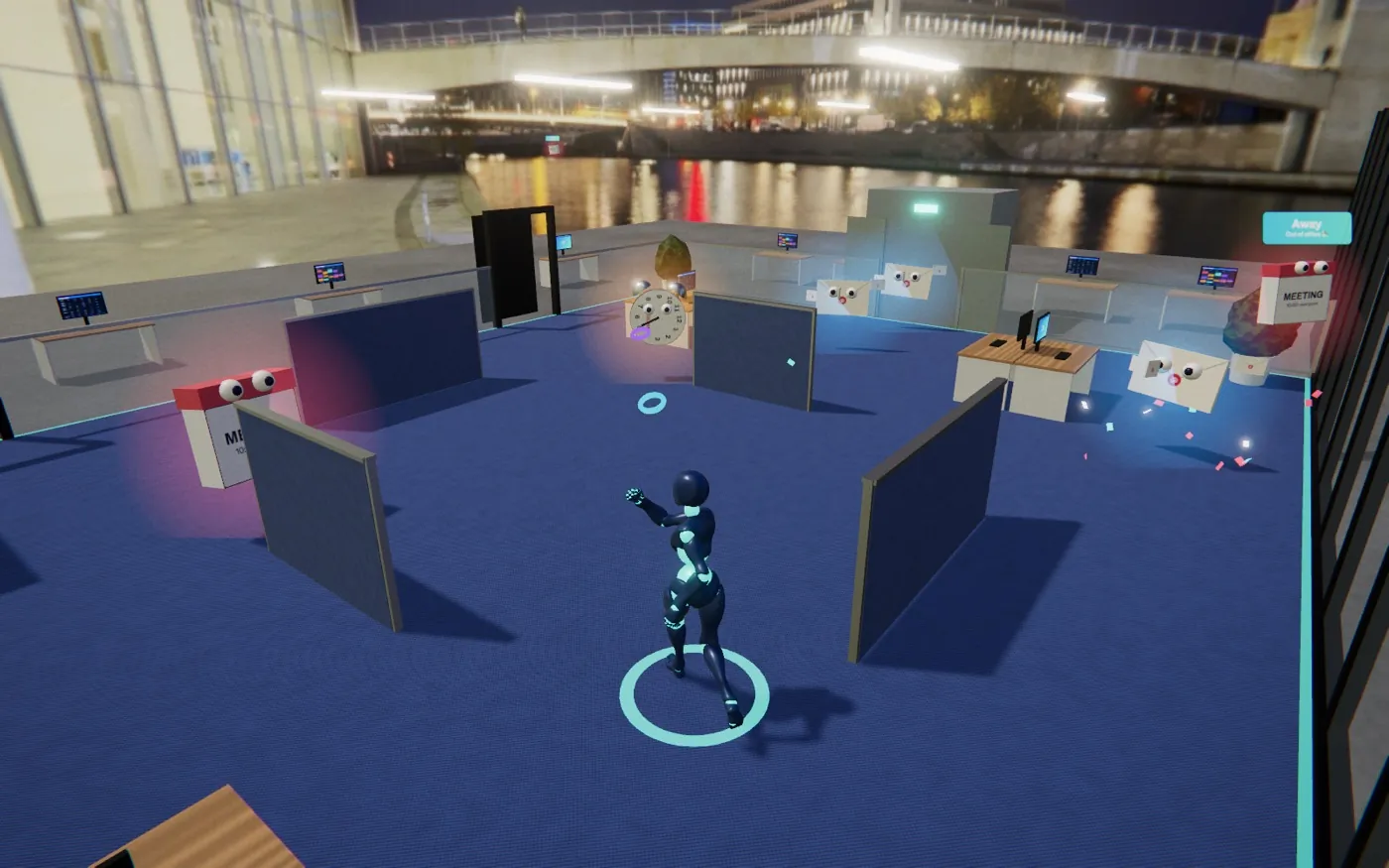
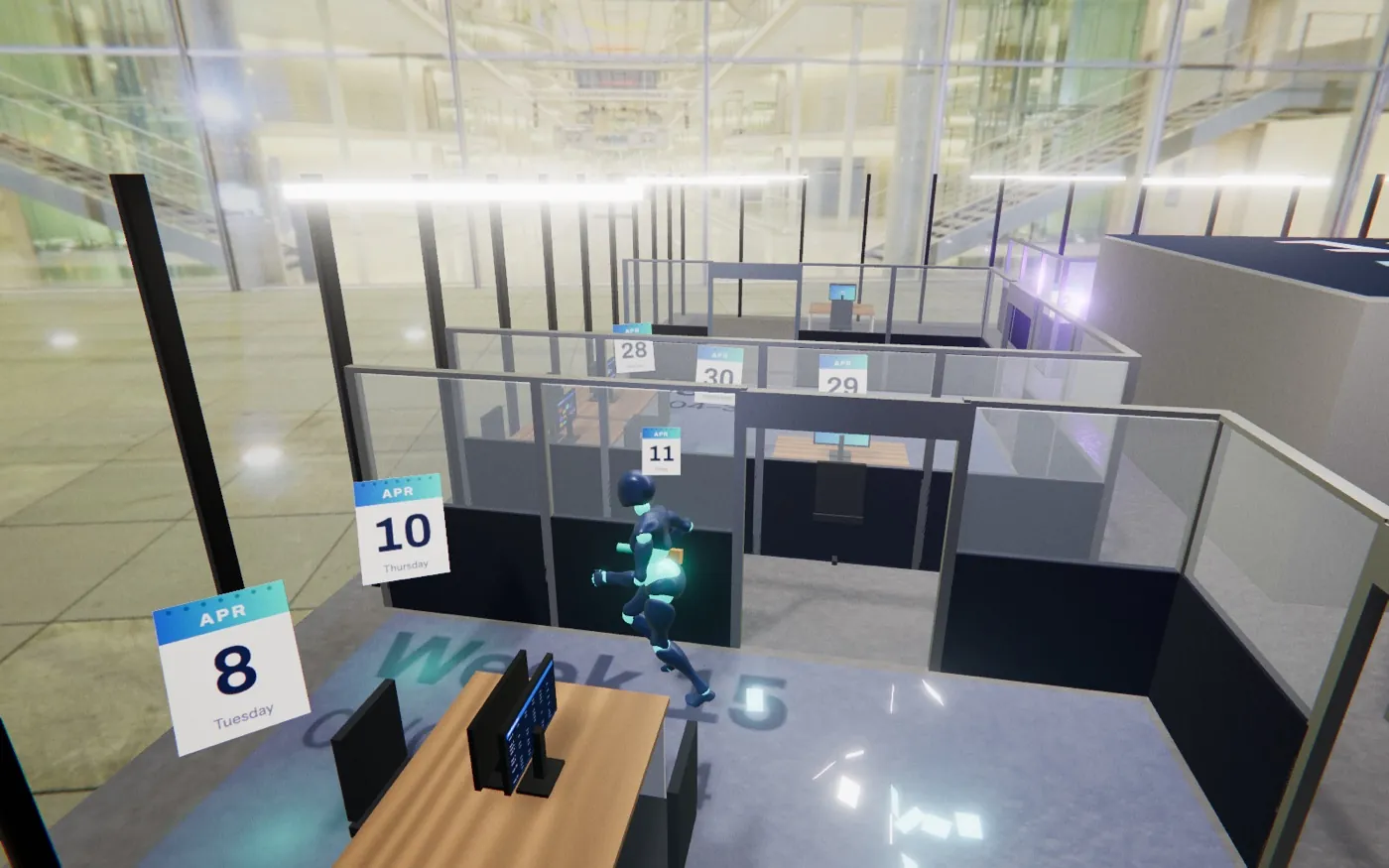
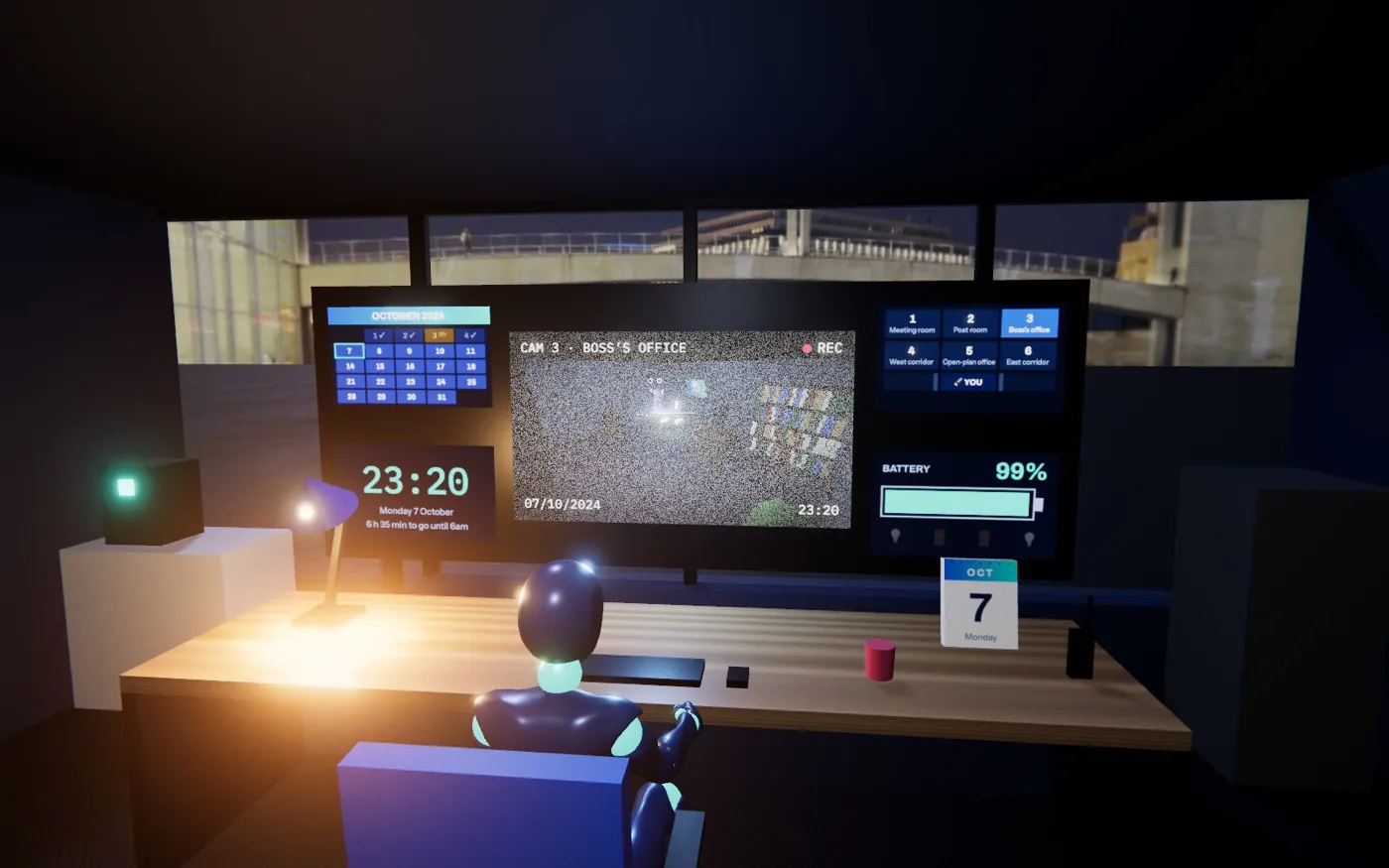
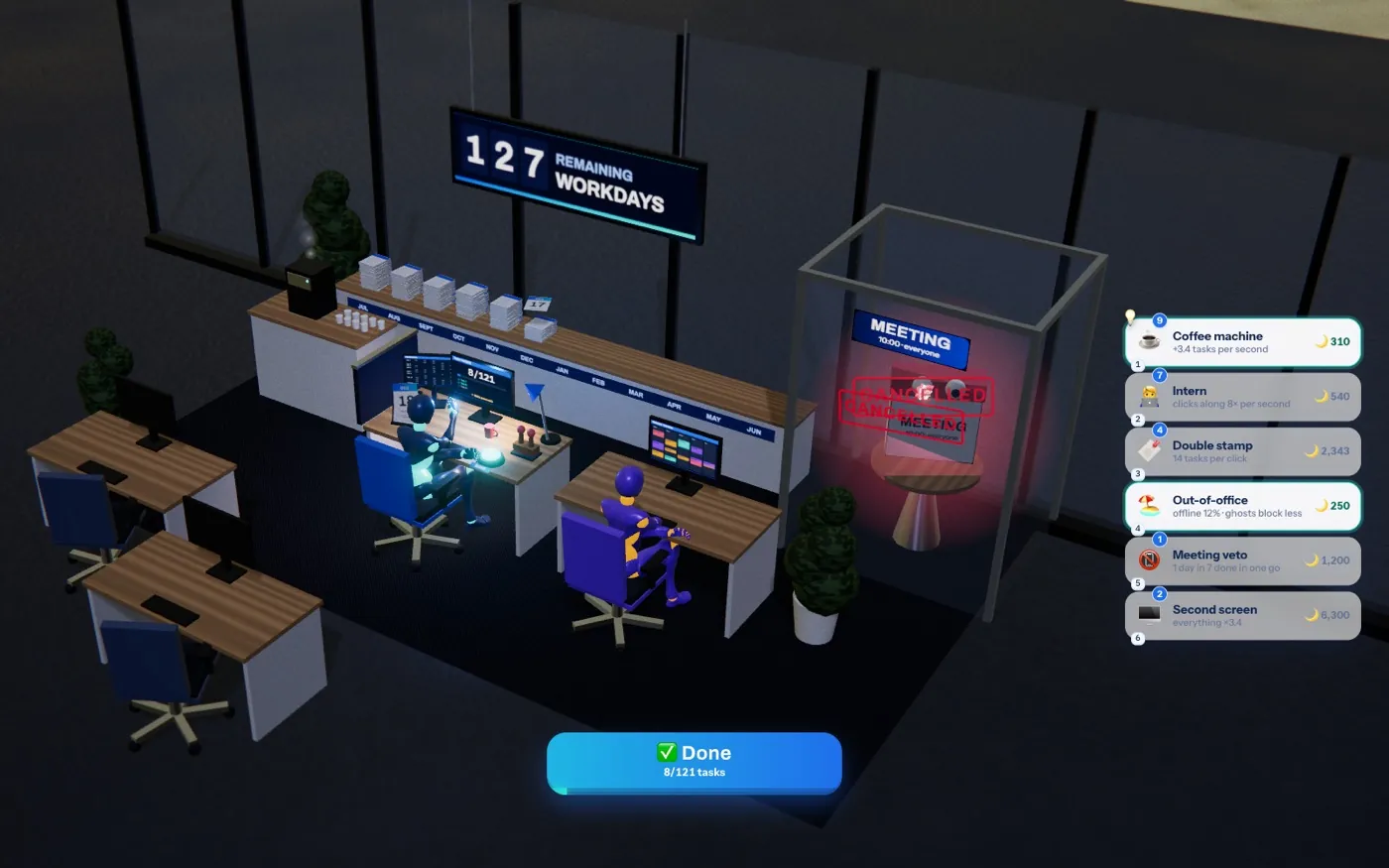
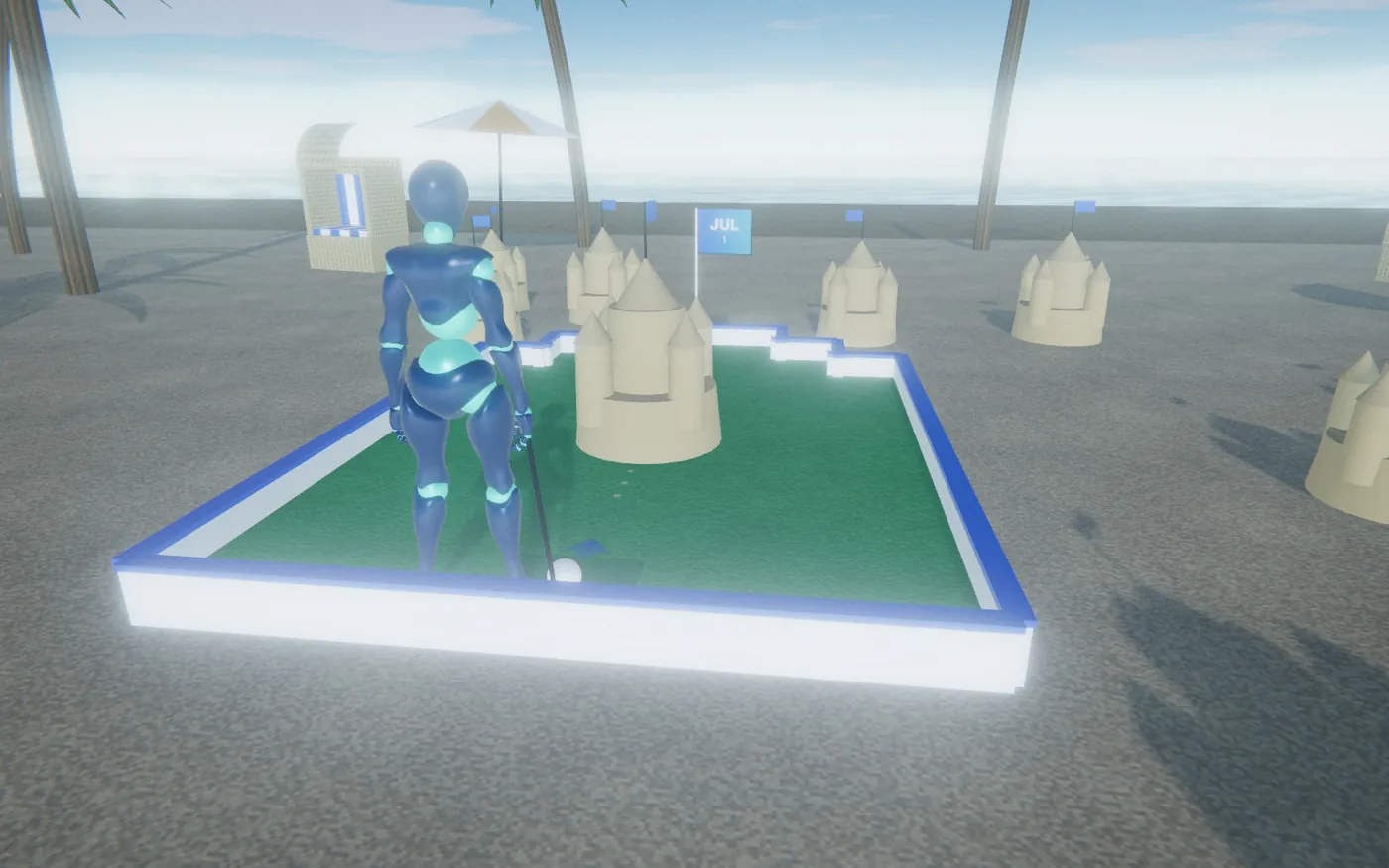
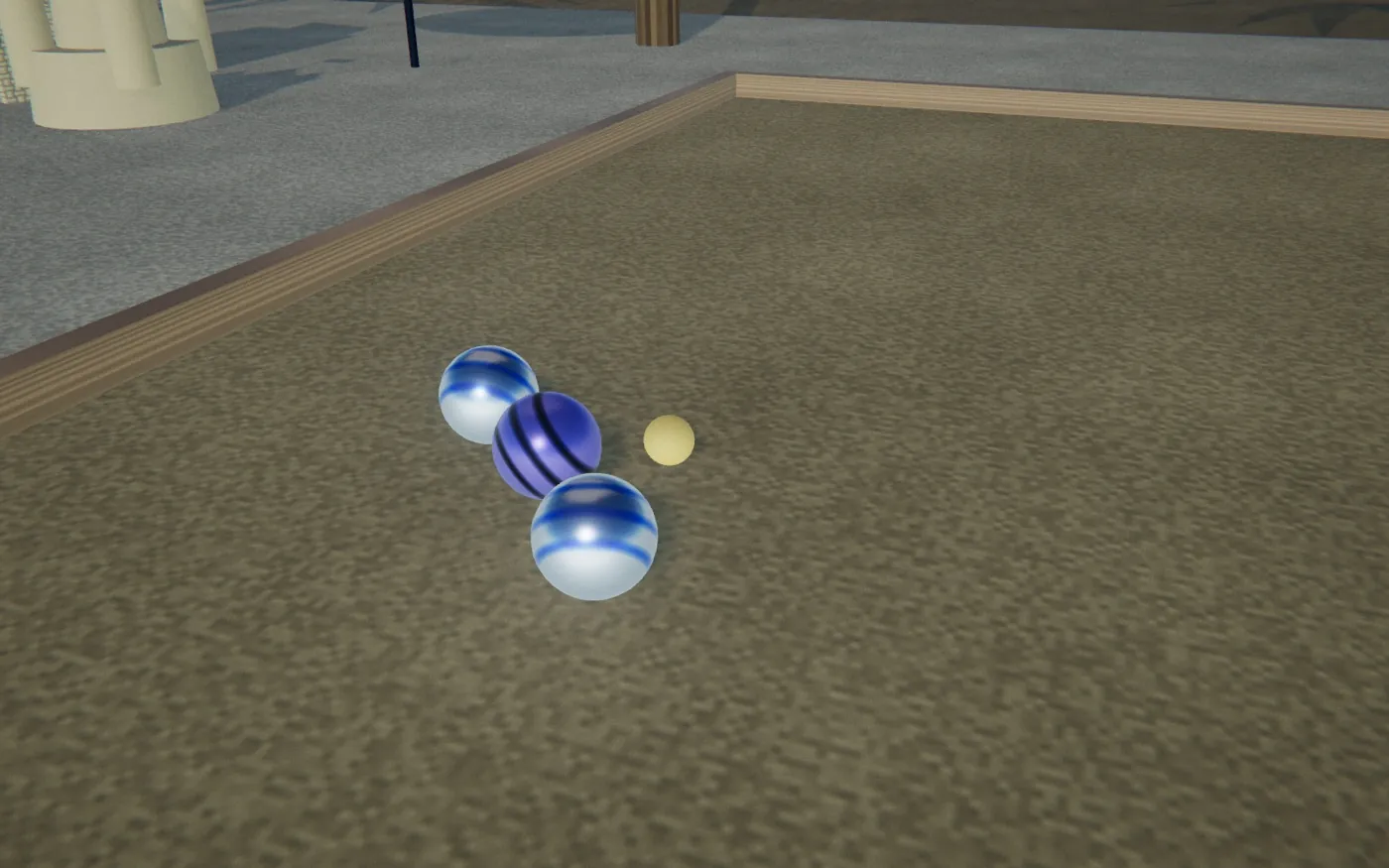
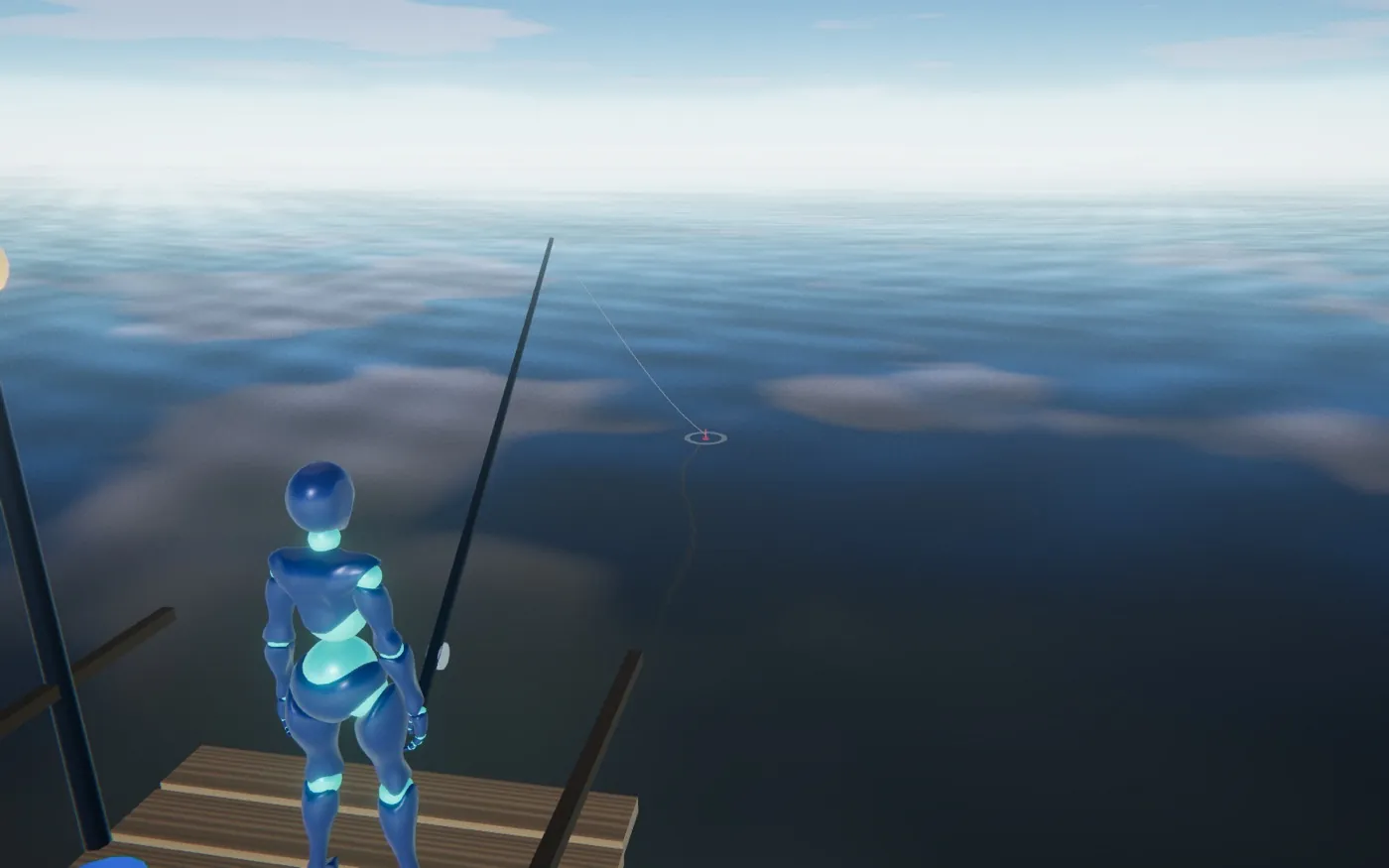
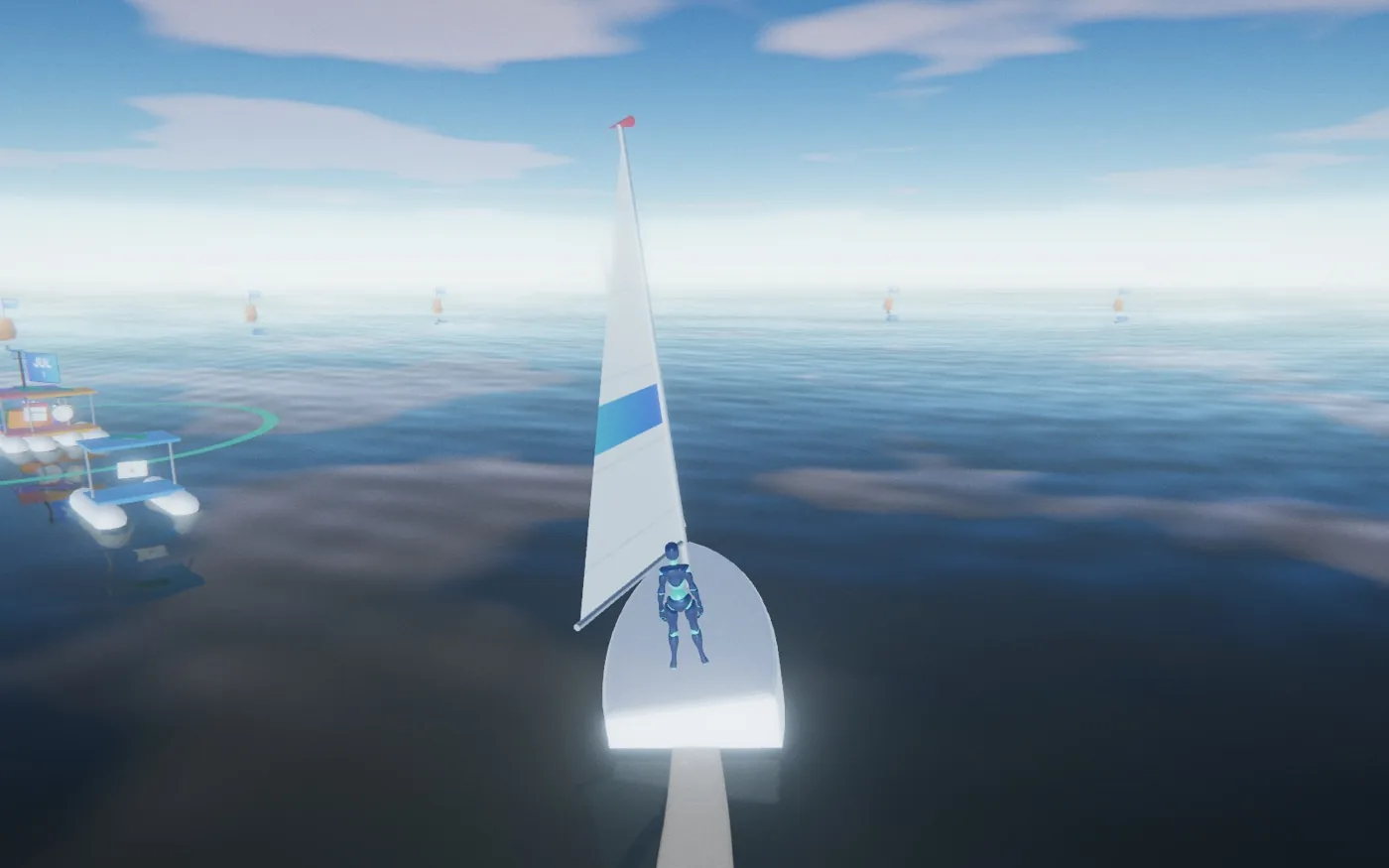
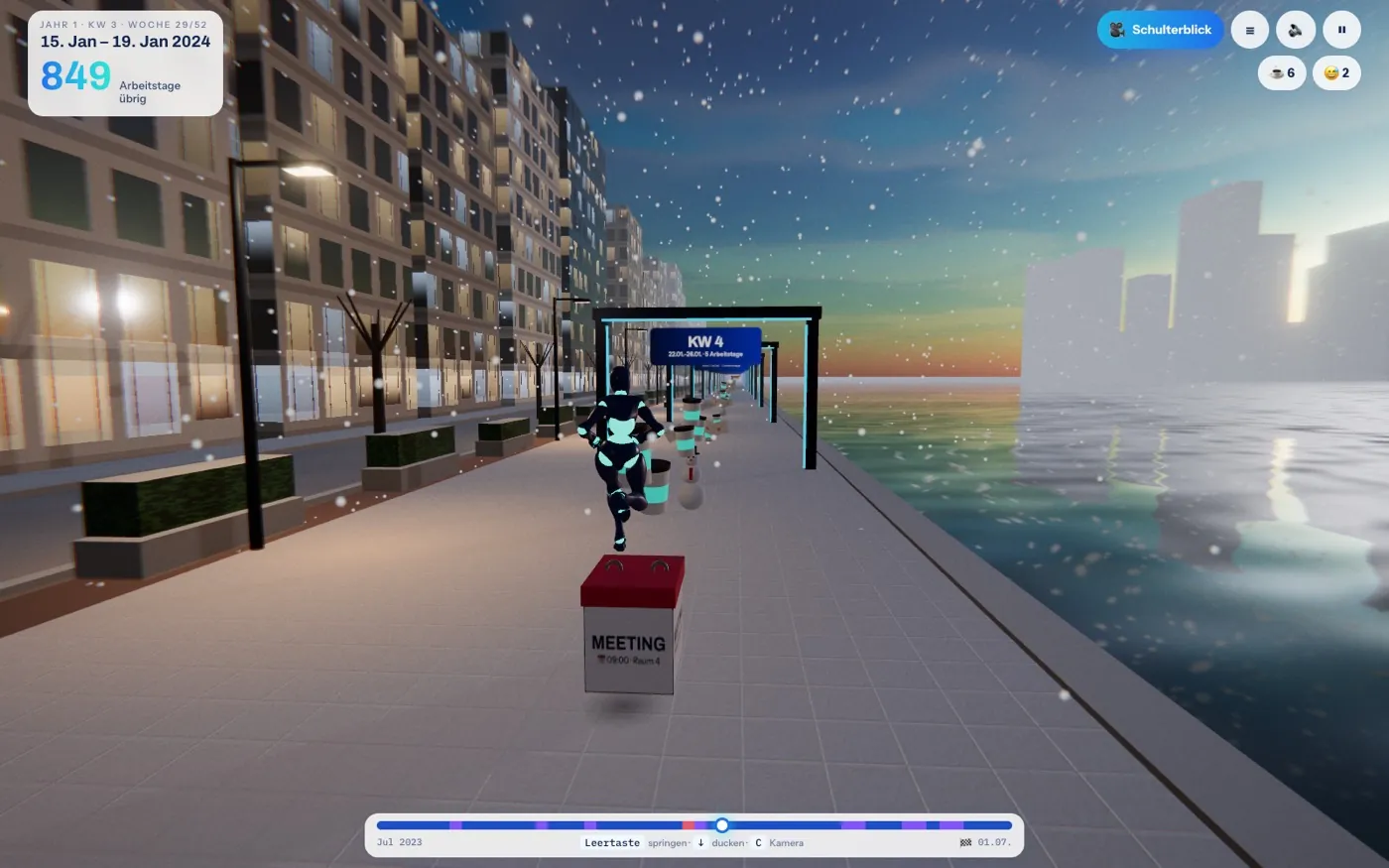
Fifteen ways to play every year of your active phase – from a run by the harbour, via the office maze, the Mail Flood and the Coffee Queue, to Stamp Beat, Rubber Band Arena, Office Extraction, the Last Night Shift and Countdown Idle. And the passive phase? You play it by the sea – as mini golf, boules, jetty fishing or a sailing regatta. Four difficulty levels, from Easy-going to Pro.

3D in your browser · about 8 MB · keyboard, mouse or touch

What’s inside

Not a calculator, but an experience: the daily view, film and game show how much is already behind you – and how little is still ahead.

Works both ways.

Only know the day you’ll be free? That’s enough. The model works back to the start of your active phase – or the other way round.

Real working days.

Weekends, your federal state’s public holidays and the leave you enter are all deducted – day by day.

Sayings & milestones.

A new saying every day, plus the next milestones: halfway, only 100, 50, 10 working days left – with confetti when the moment comes.

One level per year.

Fifteen game modes, from the run to Countdown Idle – and mini golf, boules, fishing or a regatta by the sea for the passive phase. Classic, over the shoulder or right in the thick of it, from Easy-going to Pro.

Your data stays with you.

No sign-up, no cookies, no tracking. Everything is calculated and stored in your browser only.

Seven languages, five dialects.

Deutsch, English, हिन्दी, Magyar, Slovenčina, Español and Français – plus five German dialects: Saxon, Kölsch, Berlin, Bavarian and Swabian. On your computer, tablet or phone.

Soon, Monday will be just a word.

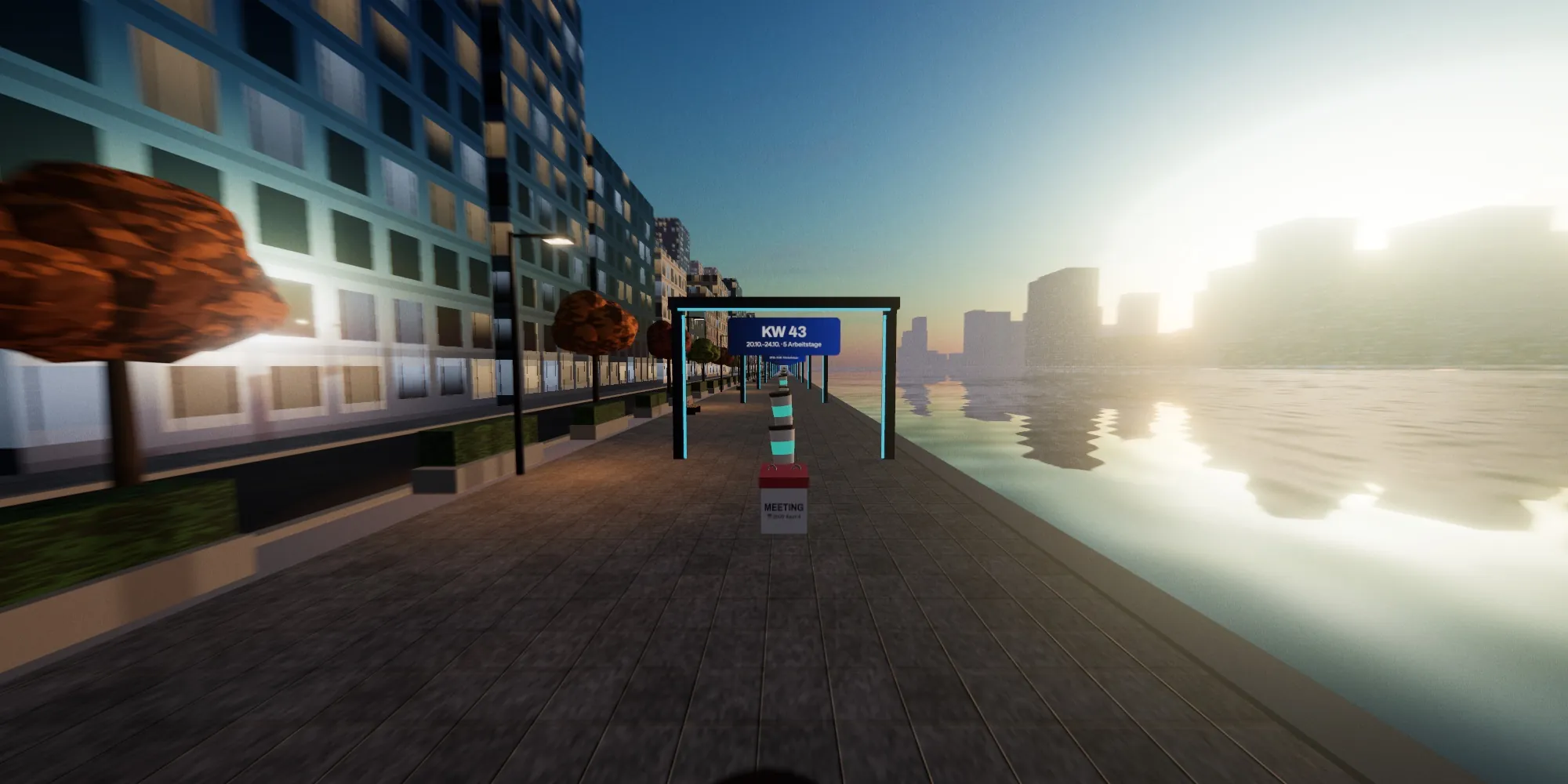
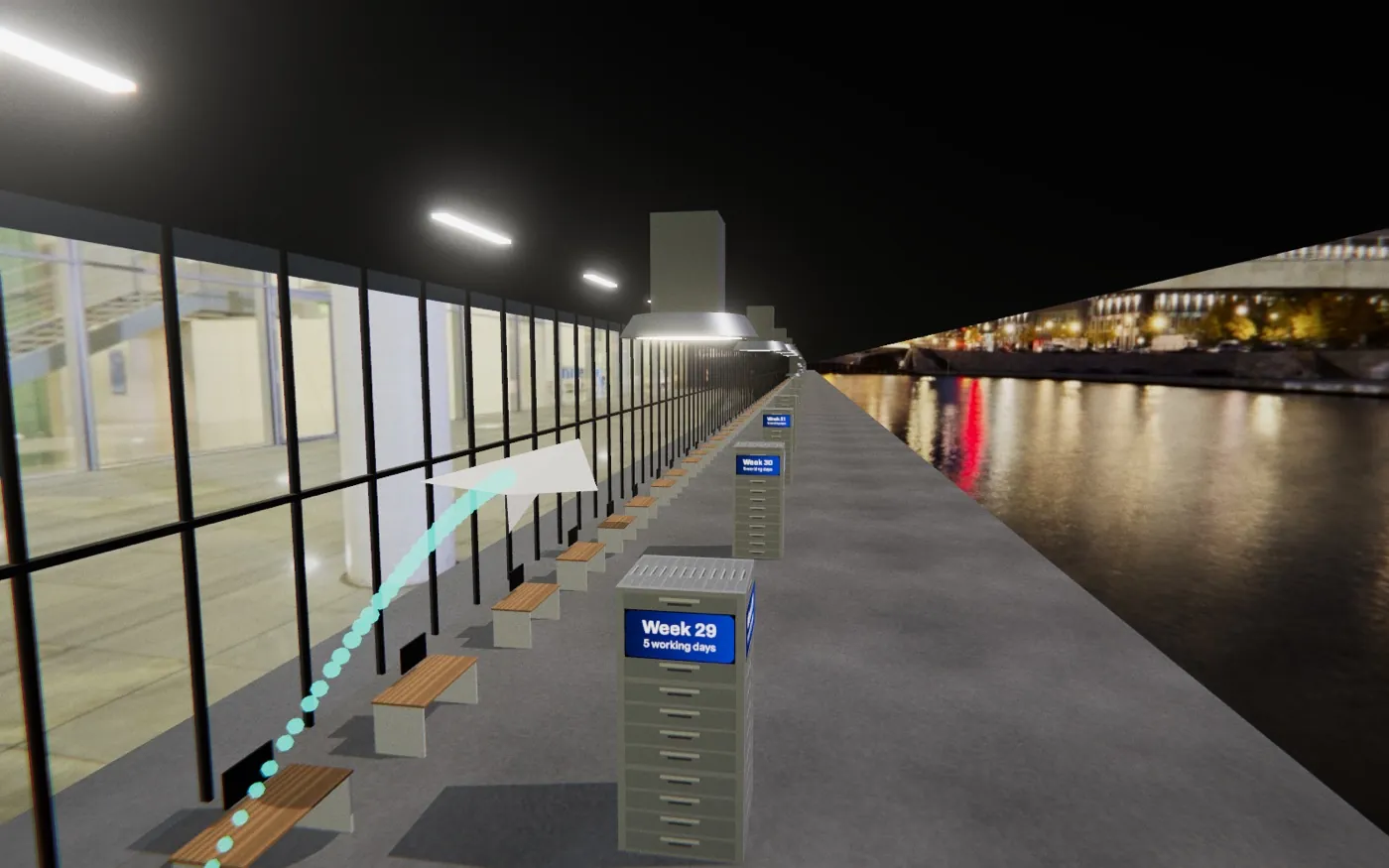
A gate for every calendar week

Here’s what your journey looks like.

Real-time 3D right in your browser, with seasons and weather to match your calendar weeks.

Good to know

What is the block model?

With partial retirement in the block model, you first keep working (active phase) and are then released from work for just as long (passive phase). 4 : 4 means four years of work, then four years off. The daily view, film and game know the models 1 : 1 to 5 : 5.

Which date do I need to enter?

One is enough: the start of the active or of the passive phase. The model gives you the other date – and you can switch which one you know at any time.

How are the working days counted?

Monday to Friday, minus your federal state’s public holidays and the leave you enter. The app doesn’t know about part-time work, company rules or sick days: it’s an estimate, not a binding statement.

Where does my data end up?

Only in your browser. Nothing is sent to us or to anyone else. If you share a link with your data, it sits after the # sign – and that part of an address is never sent to a server.

How do I get the daily view onto my phone?

Open the daily view with your data and choose “Add to Home Screen” in your browser – then one tap each morning is all it takes. On a tablet or monitor, “Always-on display” keeps it running around the clock.

Does it work on a phone?

Yes. The daily view, film and game run on phones, tablets and computers. The game loads about 8 MB once and needs an up-to-date browser with WebGL 2 – which every common browser has.

Can I add the milestones to my calendar?

Yes. In the daily view, “📅 Add to calendar” downloads a calendar file with the halfway point, the last 100, 50 and 10 working days, your last working day and the day you’re free – for Outlook, Google or the iPhone. “🖨️ Cross-off calendar” prints every remaining year on an A4 page to tick off, and “🖼️ Share as image” turns your countdown into a picture for Teams or WhatsApp.

Is there a version for the whole team?

Yes. In the team countdown you collect your colleagues’ links and see all the countdowns side by side and on a shared timeline. This list stays in your browser too.

The daily view with the number of working days left, progress ring and saying of the day

Your data stays with you.

The daily view, film and game do all their maths in your browser. There’s no account, no cookies and no tracking – and nothing we could store about you.

The numbers are an estimate to guide you. Only the dates in your partial retirement agreement are binding.